
Operations

Run the floor from one operating system.

Scheduling, calendars, staffing, room logic, and front-desk workflows stay inside one command layer instead of getting split across point solutions.

Operations product preview

Why This Group

The operator surface should match the actual day.

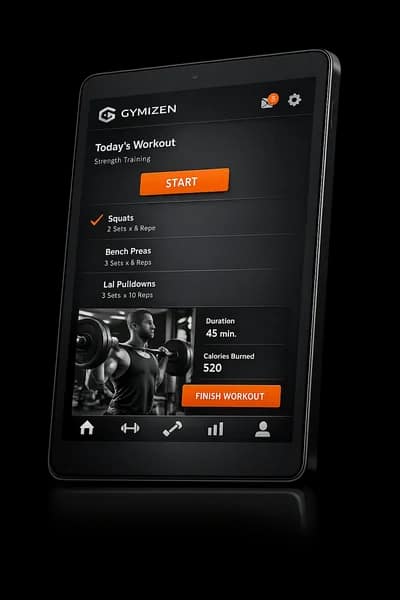
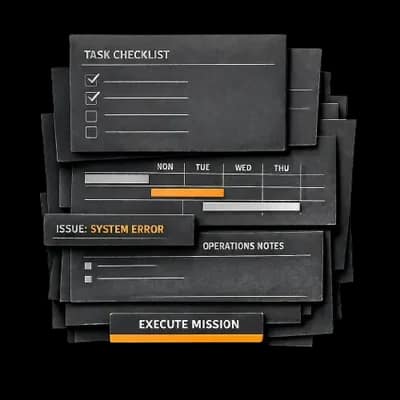
Operations tools are only useful when they stay close to the work. Gymizen keeps the schedule, staff coverage, class structure, and on-floor execution visible in one place so the team can make decisions without switching context.

What It Covers

Keep scheduling, reporting, staffing, and room logic in one operating view

Give front desk and coaches the same source of truth

Reduce manual cleanup before and after every class block

Included Features

Everything inside operations.

Scheduling

Scheduling

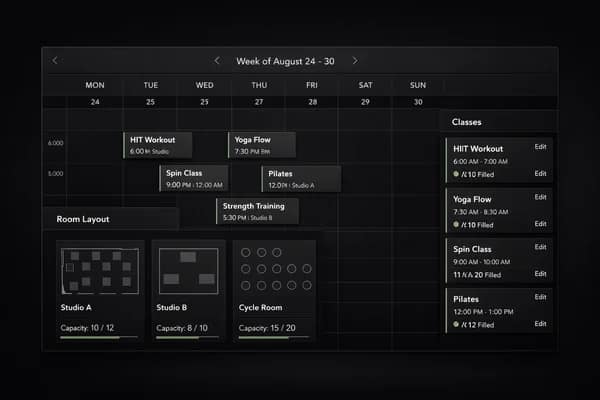
Run the operating schedule from one place

Scheduling should be a working surface, not a static timetable. Teams need to update sessions, watch fill, and keep the week coherent without stitching together separate tools.

  • Publish recurring and one-off classes from the same schedule
  • Adjust coach assignments, capacity, and timing without rebuilding the week
  • Keep the member-facing schedule aligned with the internal operating calendar
Learn more

Publish schedules, manage capacity, and keep classes moving across locations and rooms.
Reporting

Reporting

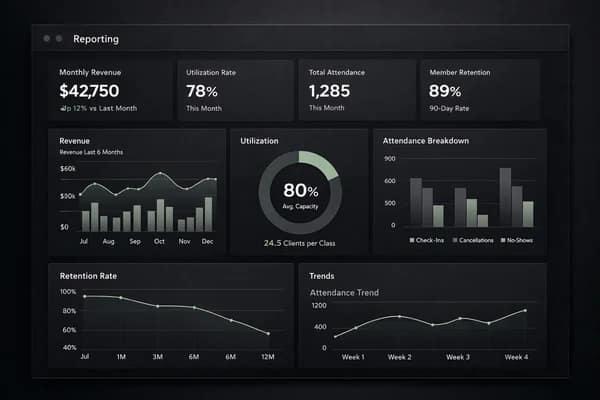
Track the numbers that move the business

Studios need reporting that reflects operating reality: how classes are filling, how members are behaving, and where revenue risk is emerging.

  • Monitor utilization, attendance, and retention in one place
  • Compare performance across programs, time blocks, and locations
  • See revenue context alongside the member and class signals behind it
Learn more

See utilization, retention, revenue, and attendance performance without exporting data.

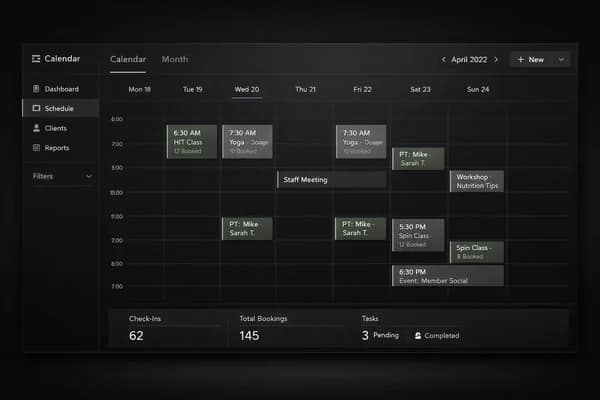
Calendar

Calendar

Read the week without opening six tools

Calendar should answer basic operating questions instantly: what is happening today, who is teaching, and where pressure is building across the schedule.

  • View daily and weekly activity in one operating layer
  • Track classes, staff coverage, and key schedule changes together
  • Keep high-traffic days and thin spots visible before they become issues
Learn more

Track daily activity, bookings, staff schedules, and operational events from one calendar view.

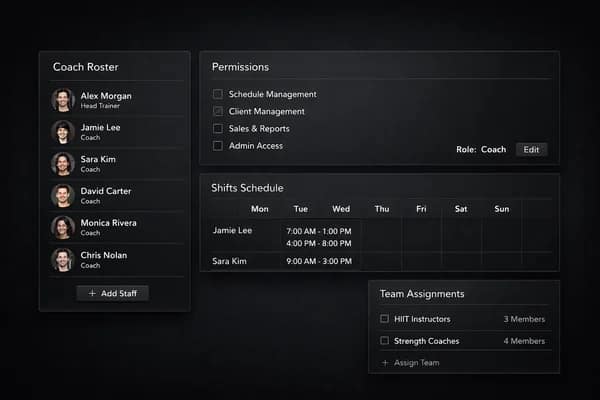
Staff Management

Staff Management

Structure the team around real operating roles

Studios need more than a flat user list. Staff management has to reflect how coaches, managers, and front desk teams actually share responsibility.

  • Set role-aware access across admin and member-facing workflows
  • Keep location assignments and working responsibilities visible
  • Reduce ambiguity around who owns approvals and follow-up
Learn more

Organize coaches, front desk teams, permissions, and schedules across the business.

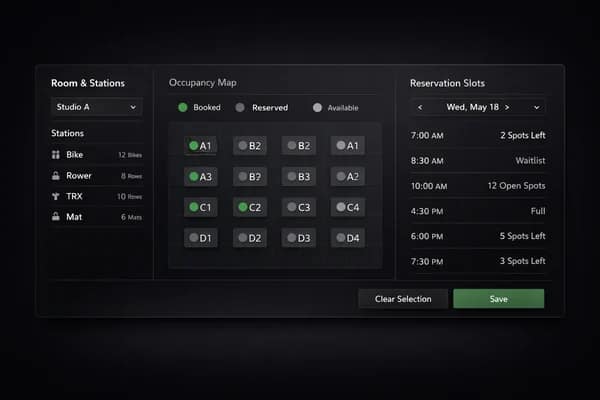
Room & Spot Scheduling

Room & Spot Scheduling

Go beyond a simple capacity number

Many boutique formats need more structure than '15 seats available.' Gymizen lets studios reflect the real constraints of the room and the training format.

  • Create bookable spots, stations, or room-specific layouts
  • Handle formats that need fixed placement or equipment logic
  • Keep the booking experience aligned with the class design
Learn more

Build custom rooms, stations, and spots for formats that need more than a simple seat count.

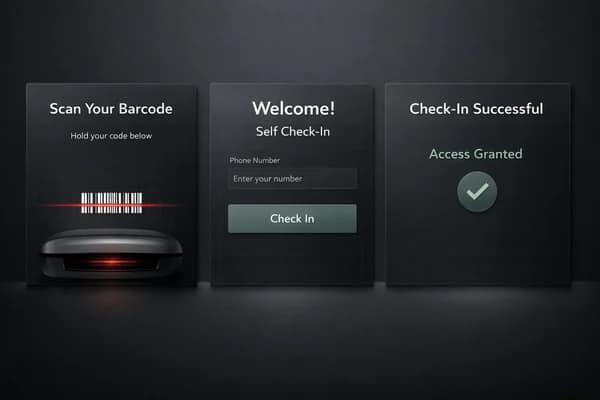
Check-In & Kiosk

Check-In & Kiosk

Speed up the front-door experience

Check-in is a small moment with outsized impact. When it works cleanly, classes start on time and front desk teams spend less effort on basic entry friction.

  • Support self check-in and staff-assisted check-in flows
  • Handle barcode, key, or kiosk-style access patterns
  • Keep member arrival fast during busy class windows
Learn more

Support barcode, key, and self check-in flows for front desk and unattended entry.

Testimonials

How operators talk about this part of the platform.

Operations finally feels like one surface instead of three tools we have to reconcile every morning.

Jordan Hale

Founder, Northline Training Club

Our team stopped asking which schedule was correct. That alone cleaned up the day.

Lena Ortiz

Studio Director, Tempo House

Start Free

Start a 30-day free trial or book a guided rollout.

Launch and Studio can start self-serve. Multi-location brands can book a demo for rollout planning, data migration, and commercial terms.

Gymizen